Photoshop vs Canva: Which One Rules Modern Design?
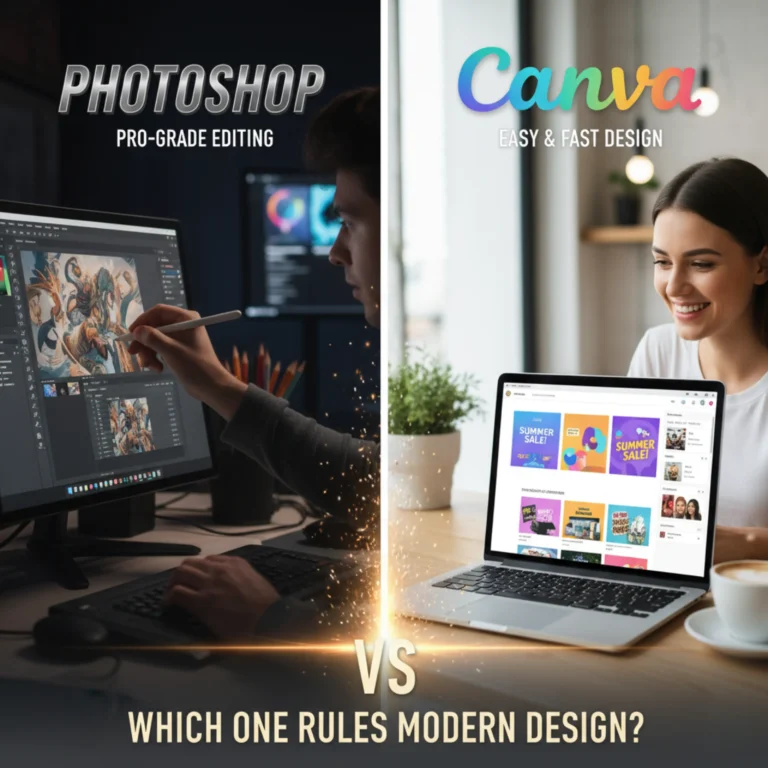
Design has never been more accessible or more competitive. Whether you’re crafting a social media post, a brand identity, or a marketing campaign, the tools you use can shape your creativity and workflow.
Two names dominate the modern design landscape: Adobe Photoshop and Canva. Both are powerful. Both are popular. But they serve very different audiences and creative goals. So, which one truly rules modern design?
Photoshop: The Powerhouse for Professionals
For more than three decades, Adobe Photoshop has been the backbone of professional design. It’s the tool behind iconic magazine covers, movie posters, and digital art seen around the world.
Photoshop offers complete creative control from intricate photo retouching and advanced compositing to custom typography and 3D effects. Designers, photographers, and digital artists rely on its precision to bring even the most complex visions to life.
Why professionals love Photoshop:
- Unlimited creative freedom: Every pixel is editable. You’re limited only by imagination.
- Advanced tools and effects: Perfect for high-end photo editing, digital painting, and branding.
- Part of the Adobe Creative Suite: Integrates seamlessly with Illustrator, Lightroom, and other Adobe apps.
- Industry standard: Accepted and recognized across all creative industries.
Where Photoshop falls short:
- Steeper learning curve — mastering it takes time.
- Subscription-based pricing — more expensive than most alternatives.
- Requires strong hardware for smooth performance.
Photoshop is the Ferrari of design tools fast, powerful, and designed for those who know how to handle it.
Canva: Design Made Simple
In contrast, Canva has redefined how non-designers approach creativity. Launched in 2013, it turned what was once complex and intimidating into something fast, fun, and collaborative.
With its drag-and-drop interface, Canva empowers anyone marketers, entrepreneurs, teachers, or students — to create beautiful visuals in minutes. From social media graphics to presentations, it’s all about simplicity and accessibility.
Why people love Canva:
- Beginner-friendly: No design experience needed.
- Thousands of templates: Instantly create social posts, flyers, resumes, and more.
- Team collaboration: Edit and comment in real time.
- Cloud-based & affordable: Accessible from any device, with a generous free plan.
Where Canva falls short:
- Limited design depth — not ideal for detailed, custom, or large-scale projects.
- Template dependency — can make designs look similar if not customized.
- Less control over resolution and export formats.
Canva is the smartphone of design tools intuitive, portable, and perfect for everyday creativity.
Photoshop vs Canva: Quick Comparison
Feature | Photoshop | Canva |
Ease of Use | Advanced (steep learning curve) | Beginner-friendly |
Creative Freedom | Unlimited customization | Template-based |
Best For | Designers, photographers, digital artists | Marketers, small businesses, social media creators |
Collaboration | Limited (Adobe Cloud) | Excellent real-time teamwork |
Cost | Subscription (Adobe Creative Cloud) | Free + affordable Pro plan |
Platform | Desktop (Windows/Mac) | Cloud-based (Web + Mobile) |
Which One Rules Modern Design?
The answer depends on who you are and what you need.
- If you’re a professional designer who needs advanced tools and total control, Photoshop is still the king.
- If you’re a content creator, marketer, or small business owner who values speed, simplicity, and collaboration, Canva is your best friend.
In truth, both tools shine in their own arenas. Many professionals even use both — Photoshop for deep creative work and Canva for fast, consistent content creation.
The Future: A Blend of Power and Simplicity
As technology evolves, the line between professional and accessible design continues to blur. Canva keeps adding advanced features like AI-powered Magic Studio, while Adobe introduces tools like Firefly AI to simplify Photoshop workflows.
The future of design isn’t about choosing one over the other — it’s about blending creativity with efficiency. The real winner? The creators who use these tools to tell stories that connect and inspire.
Final Verdict
- Photoshop: Best for professionals who crave full creative control.
- Canva: Best for teams and individuals who need quick, beautiful designs.
Modern design: Ruled by both — depending on what creativity means to you.
Takeaway:
Both Photoshop and Canva have their strengths — Photoshop offers deep creative control for professionals, while Canva provides quick, easy, and modern design solutions for everyone. Choosing between them depends on your goals and skills. As a Freelance Digital Marketer in Kannur, understanding how to use both tools strategically can help you create stunning visuals, boost brand identity, and deliver high-quality content that stands out in today’s competitive digital world.